Same dimensions
Use one row and multiply by the number of identical packed units.
Quantity repeats a complete length-width-height profile. It does not average different boxes, estimate a missing size or turn several loose pieces into one package.
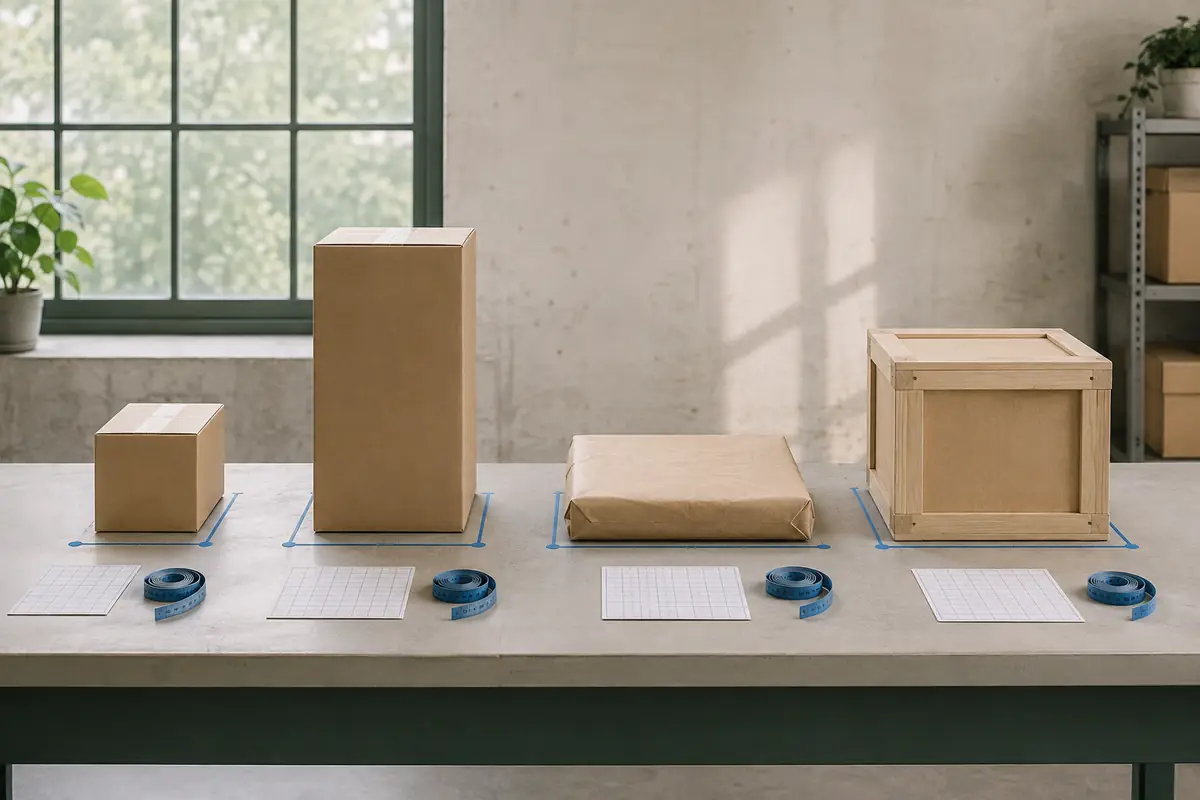
Quantity repeats a complete length-width-height profile. It does not average different boxes, estimate a missing size or turn several loose pieces into one package.
Use one row and multiply by the number of identical packed units.
Create a new row for every different outer size.
Keep it out of the total until all three outer dimensions are known.
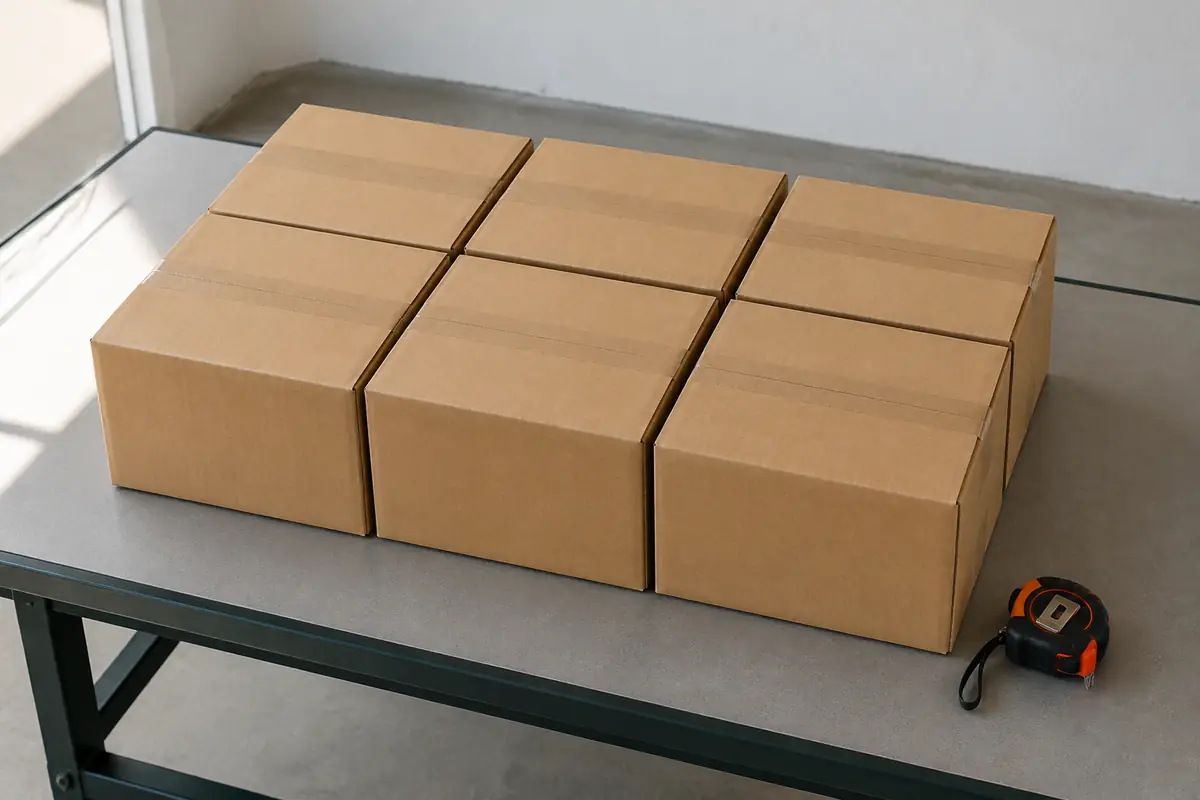
A repeated set can share quantity when each box has the same outside profile. Recheck any crushed or overfilled carton separately.
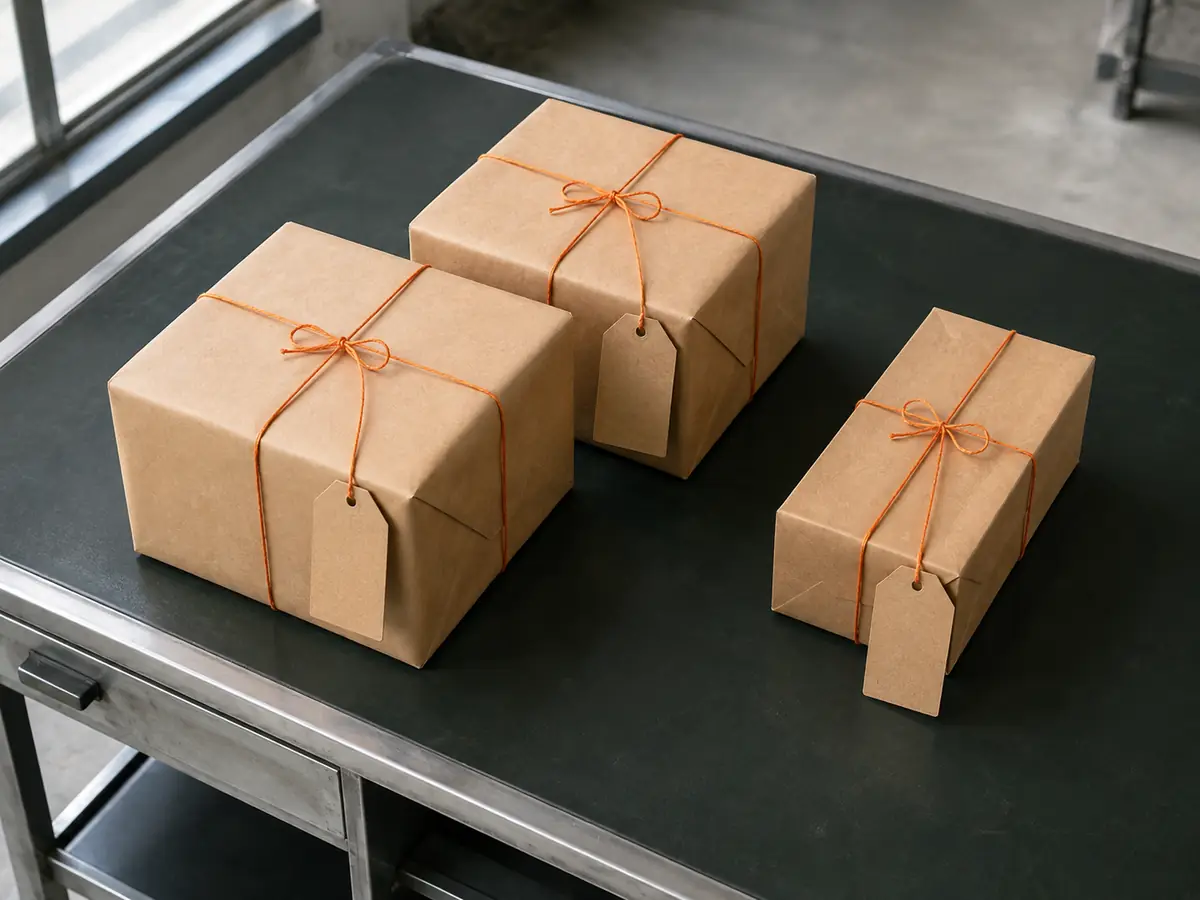
Your own package names can stay outside the calculator. What matters to the arithmetic is that each row maps to one physical size group.
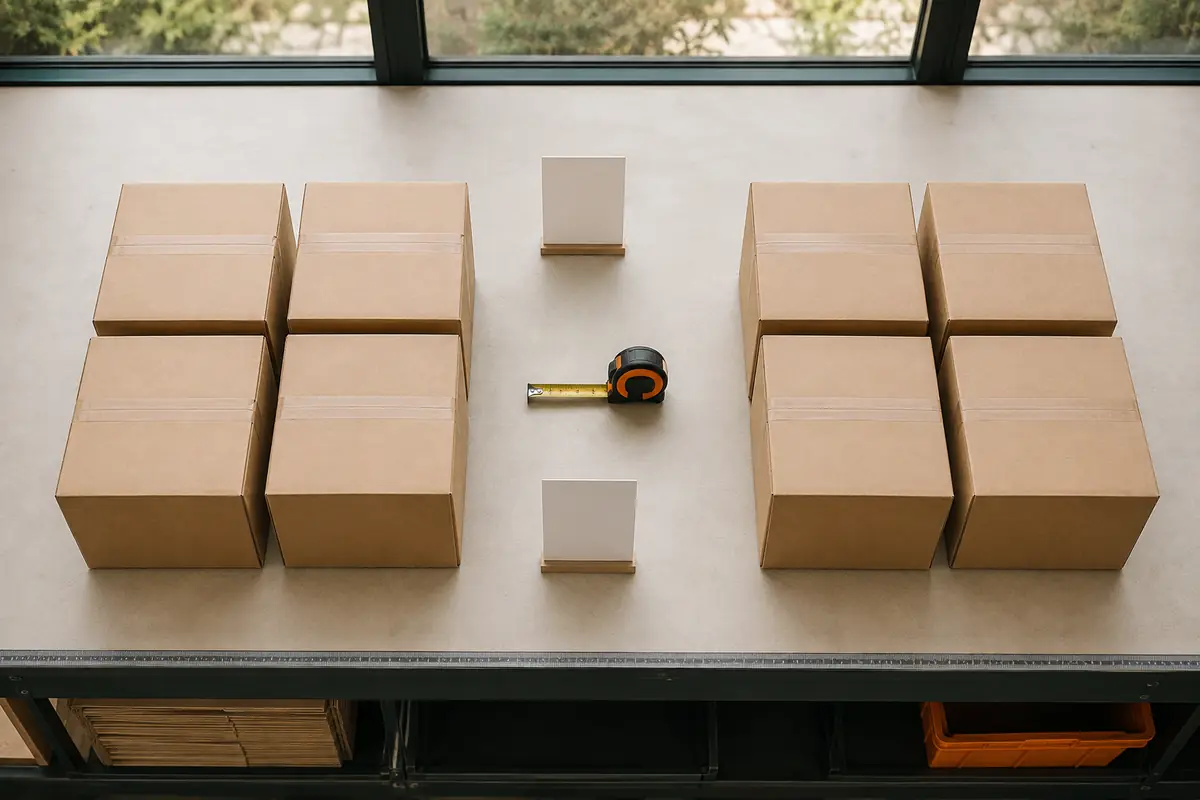
Measure each group, calculate its row subtotal, then add the valid row subtotals. This keeps one unusual item from disappearing inside an average.